A falling-notes app for a real piano, not a touchscreen
Most falling-notes apps are played by tapping a screen. This one is played on the instrument. The bars fall onto a keyboard drawn to match your own, and what counts is the note your hands actually sent over MIDI.
Klaviero needs a MIDI keyboard and Chrome, Edge, Firefox or Opera on a desktop or laptop. It cannot run in Safari or on an iPhone or iPad, because Apple does not support the Web MIDI API and requires every iOS browser to use Safari's engine. Full requirements.
What changes when the keyboard is real
Both hands are separated and coloured. Right hand and left hand are different colours the whole way down, so a two-hand passage reads as two parts rather than as a wall.
The judgement is per note and per millisecond. PERFECT, GREAT, GOOD or MISS against the exact note-on your keyboard sent. On a touchscreen there is no equivalent measurement to make.
The difficulty is published. Every chart carries its note count, its length and its peak notes per second, so you can tell before you start whether it is out of reach today.
What you need
Any digital piano, stage piano, synth or controller keyboard with USB or MIDI out, from 25 keys upward, and Chrome, Edge, Firefox or Opera on a desktop or laptop. There is an unscored microphone mode for an acoustic piano, and a computer-keyboard mode for trying the interface, but the scoring is built for MIDI.
Where to start
Gnossienne No. 1 is 755 notes · 6:25 · peak 3.9 n/s and it is on the free tier. It is slow on purpose: 3.9 notes a second at its busiest, against a library that runs past 30. Start there, then work up through the measured ranking.
Try it on this one
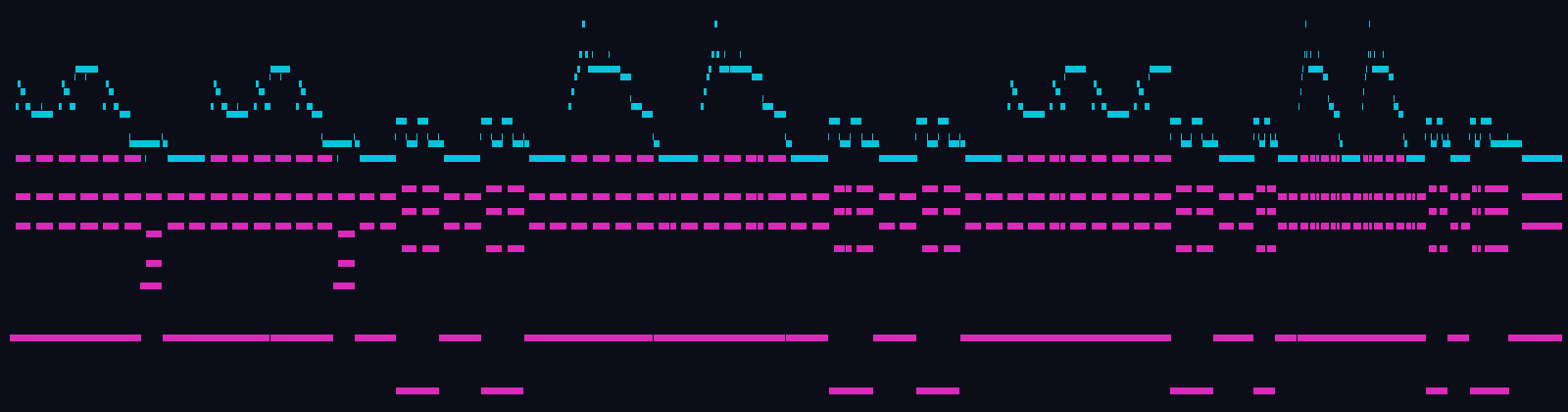
Gnossienne No. 1 · E. Satie · 755 notes · 6:25 · peak 3.9 n/s. It is on the free tier, so it needs no card. Plug the keyboard in and press play.